Security Camera Installation Cost for a Business
“How much will it cost?” is the first question on every security camera project, and the honest answer is that it depends on a handful of decisions you have not made yet. This guide explains what drives the price of a commercial camera system, what a realistic budget range looks like and how to avoid the two mistakes that make systems cost more than they should.
What Drives the Cost of a Camera System
1. Number of cameras
The biggest factor. A small office or storefront may need four to eight cameras to cover entrances, point of sale and parking. A warehouse, school or multi-building campus can need dozens. The right number comes from a site survey, not a guess. Our rule: cover every entrance, every place money or inventory changes hands, and the approaches to both, then add interior coverage based on your risk.
2. Camera type and resolution
Fixed dome and bullet cameras at 4 to 8 megapixels cover most needs. Costs rise for varifocal lenses, multi-sensor panoramic cameras, PTZ cameras, low-light and thermal cameras and license plate recognition cameras. A camera that can identify a face at 60 feet costs more than one that shows a blur, and footage you cannot use is wasted money.
3. Cabling and installation
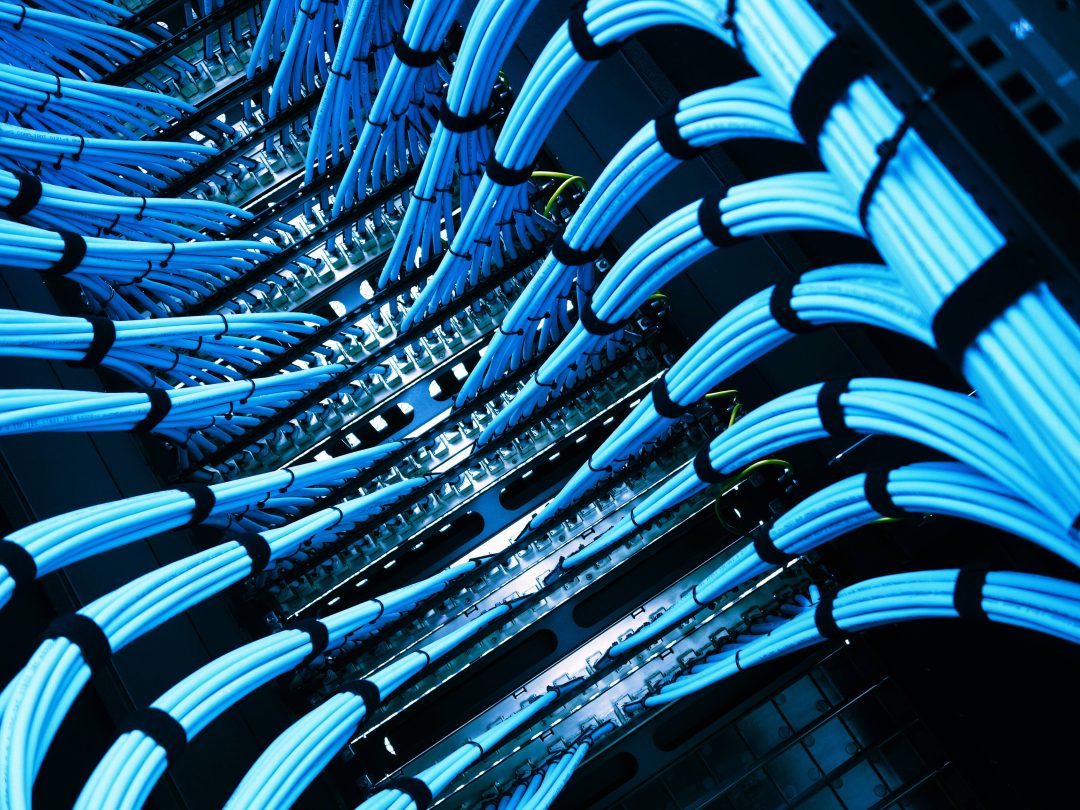
Every IP camera needs a certified network cable, and the labor to run it is often the largest line on the proposal. Costs go up with run length, hard ceilings, exterior and pole mounts, conduit requirements and work in occupied or secure spaces. This is also where a cabling contractor has an advantage over a camera-only installer: the cable is done once, done right and documented.
4. Recording and storage
A network video recorder is sized by camera count, resolution and how many days of footage you must keep. Thirty days is common for commercial sites; some regulated environments require more. Cloud recording trades hardware for a monthly fee.
5. Network equipment
Cameras are powered over Ethernet, so you need PoE switch ports with enough total power. Larger systems may need a dedicated camera network to keep video off the business network.
6. Integration and software
Tying video to access control so door events pull up footage, licensing for video management software and remote viewing setup all add value and some cost.
Realistic Budget Ranges
Every site is different, but these ranges reflect what commercial buyers commonly see for professionally installed IP systems, including cameras, cabling, recorder and setup:
- Small business (4 to 8 cameras): low to mid four figures.
- Mid-size office, retail or clinic (8 to 16 cameras): mid four figures to low five figures.
- Warehouse, school or campus (16 to 64+ cameras): five figures, scaling with camera count, exterior work and storage.
Treat these as orientation, not a quote. A free site survey and an itemized proposal will give you an exact number, and CCS breaks out cameras, cabling, recording and labor so you can see where the money goes and adjust.
Two Mistakes That Raise the Cost
Buying cameras before planning coverage. Consumer or kit cameras often end up in the wrong places with the wrong lenses, and they get replaced within a few years. Plan coverage first, then pick hardware.
Skimping on cabling. Uncertified cable, exposed runs and no labeling lead to dropouts and troubleshooting bills. Certified structured cabling costs a little more on install day and saves it many times over.
Ways to Control Cost
- Phase the project: cover entrances and high-risk areas first, expand later. PoE and a scalable recorder make additions simple.
- Use multi-sensor cameras where one unit can replace two or three fixed cameras at a corner.
- Combine camera cabling with other low voltage work (Wi-Fi, access control, data) so one crew mobilizes once.
- Right-size storage to your actual retention requirement.
Frequently Asked Questions
How many security cameras does a small business need?
Most small businesses start with four to eight: each entrance, the register or reception, the back of house and the parking area. A survey confirms the count.
Are IP cameras more expensive than analog?
IP cameras cost more per unit than old analog cameras, but they run on standard network cabling, deliver far better image quality and are much easier to expand. Nearly all new commercial systems are IP.
Is there a monthly cost?
Only if you choose cloud recording or a monitoring service. A local recorder has no required monthly fee.
Can I view the cameras on my phone?
Yes. Secure remote viewing is part of every system we install.
Get an Exact Number
CCS Communications designs and installs commercial security camera systems for businesses, facilities and homes across Richmond, Hampton Roads and Fredericksburg. Schedule a free site survey and we will give you an itemized proposal with no obligation.
More Insights and Content
There is always more to learn and our team stays on top of whats happening in the industry.